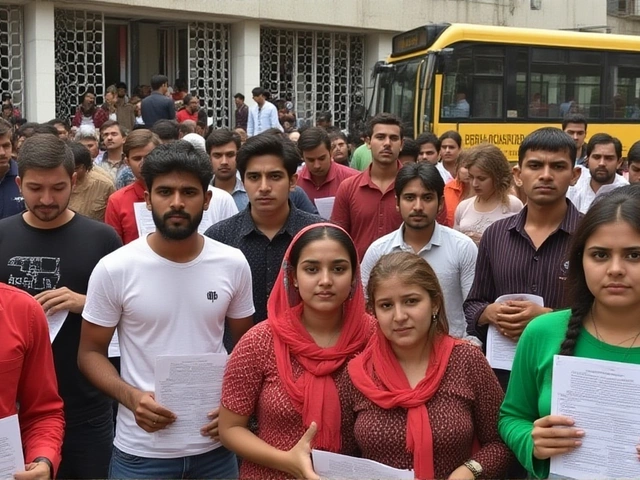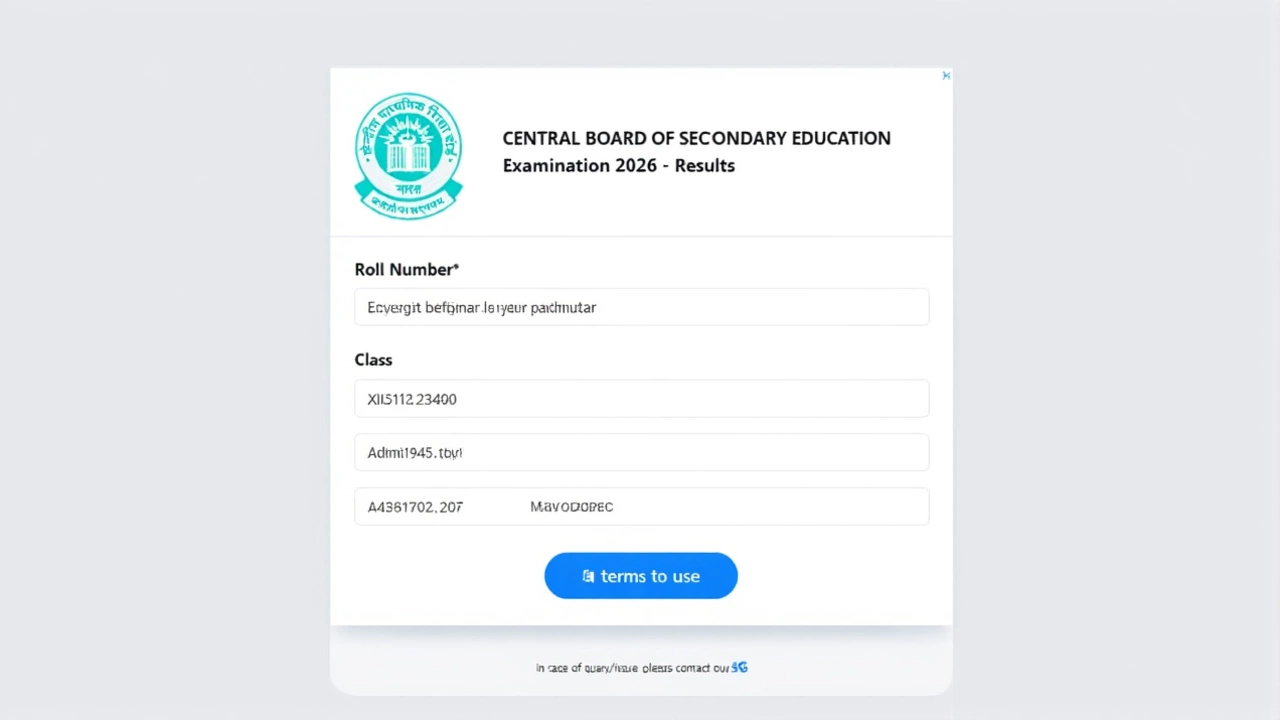
When Central Board of Secondary Education (CBSE) released the Senior School Certificate Examination results on May 13, 2026, millions of students across India held their breath. The wait is finally over for Class 12 science stream candidates, who can now access their scores through multiple official channels.
The announcement marks a pivotal moment for thousands of aspiring engineers, doctors, and researchers. Here’s everything you need to know about accessing your results, from direct website links to digital marksheet downloads via government apps.
How to Check Your CBSE Class 12 Result Online
Getting your scorecard is straightforward, but you’ll need specific details handy before you start. The board has activated direct links on its primary portals to handle the expected traffic surge.
To check your result, follow these steps:
- Visit any of the official websites: results.cbse.nic.in, cbseresults.nic.in, or cbse.gov.in.
- Click on the link labeled “CBSE 12th Result 2026” or “Senior School Certificate Examination (Class XII) Results 2026.”
- Enter your unique identifiers: Roll Number, School Number, and Admit Card ID.
- Click “Submit” to view your detailed scorecard on screen.
- Take a screenshot or download the PDF for future reference.
Turns out, having your admit card nearby is crucial. All three required IDs are printed there, so don’t skip that step if you’ve misplaced it.
Downloading Digital Marksheets via DigiLocker and UMANG
If you prefer an official digital document rather than just viewing the score online, DigiLocker is your best bet. This government-backed platform allows students to store legally valid digital copies of their certificates.
Here’s how to get your marksheet:
- Open the DigiLocker app or visit digilocker.gov.in.
- Log in using your mobile number linked to your Aadhaar card.
- Navigate to the “Education” category and select “CBSE.”
- Choose “Class XII Marksheet,” enter your Year (2026), Class, and Roll Number.
- Your digital marksheet will appear on the screen—download it immediately.
The UMANG app offers similar functionality. Available on both Android and iOS, UMAG lets you search for “CBSE,” enter your credentials, and download your scorecard directly. It’s a convenient alternative if you’re already using the app for other government services.

Offline Options: SMS and IVRS Services
What if the websites crash? They often do during peak hours. Fortunately, CBSE has provided offline methods to ensure no student is left in the dark.
SMS Service: Send a message in the format CBSE12 <Roll Number> <School Number> <Centre Number> to the designated shortcode. You’ll receive your total marks and pass/fail status via text reply.
IVRS Phone Line: Call 24300699 (for Delhi students) or 011-24300699 (for other regions). Follow the voice prompts to enter your roll number. The system will read out your marks. This method is surprisingly effective when internet connectivity is poor or server loads are high.

Why This Matters for Career Aspirants
The Class 12 science results are more than just grades—they’re gateways to competitive exams like JEE Main, NEET, and various university entrance tests. With the results declared on May 13, the clock starts ticking for application deadlines.
Interestingly, the Class 10 results were announced two days later, on May 15, 2026. This staggered release helps manage server load and ensures smoother processing for each cohort. For science students, every percentage point counts toward scholarship eligibility and college admissions, making accurate record-keeping essential.
Frequently Asked Questions
When were the CBSE Class 12 Science results declared?
The Central Board of Secondary Education officially announced the Class 12 results for all streams, including Science, on May 13, 2026. Students could begin checking their scores immediately after the announcement via official portals.
Which websites are official for checking CBSE results?
The primary official websites are results.cbse.nic.in, cbseresults.nic.in, and cbse.gov.in. Additionally, students can use the DigiLocker app or the UMANG app to view and download their digital mark sheets securely.
What details do I need to check my result?
You must have your Roll Number, School Number, and Admit Card ID ready. These details are typically found on your examination hall ticket. Without all three, the online portal will not display your scorecard.
Can I download my marksheet from DigiLocker?
Yes, DigiLocker provides legally valid digital mark sheets. Log in with your mobile number, select the CBSE section, choose Class XII, and enter your roll number to download the PDF version of your certificate.
Is there a phone number to check results if the website is down?
Yes, CBSE offers an IVRS service. Dial 24300699 for Delhi residents or 011-24300699 for other areas. Enter your roll number as prompted to hear your results. An SMS service is also available by sending formatted messages to the designated shortcode.